The card with more flexibility.
Category Lock cards can only be spent within the merchant categories you pick, like dining, fuel or groceries.
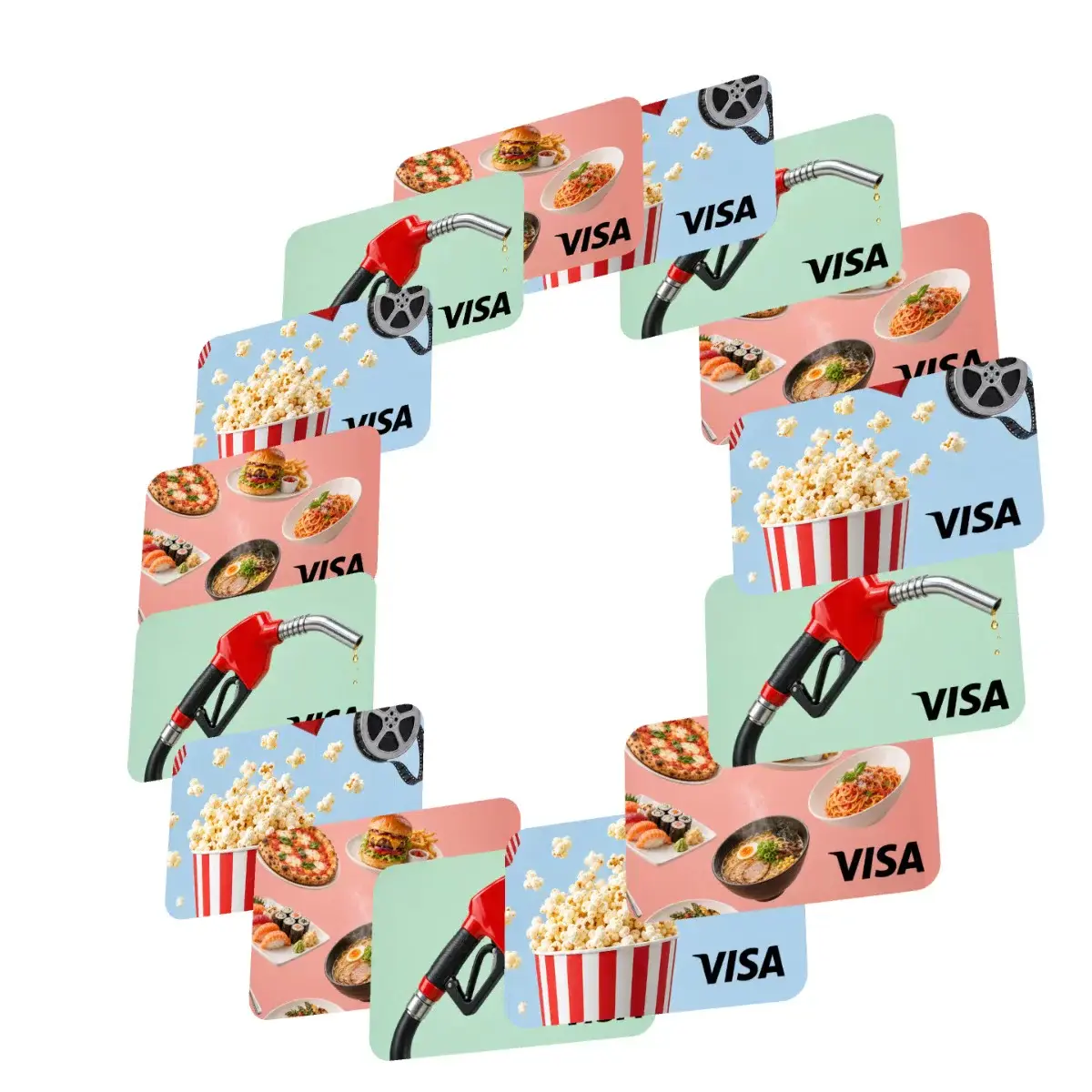
How Category Lock works
Pick your categories
Choose the merchant categories funds can be spent in, like dining or fuel.
Load and send cards
Set the value, add your branding and send cards by email or link.
Spend stays on purpose
Cards work at any merchant in those categories and are declined everywhere else.
Set your rules,
control your breakage.
You set the rules.
Choose the amount, expiry, recipients and where each card can be spent, before a single dollar moves.
Unspent? It comes back.
When a card expires, any unspent balance comes straight back to your business.
Straight to their wallet.
No app needed.
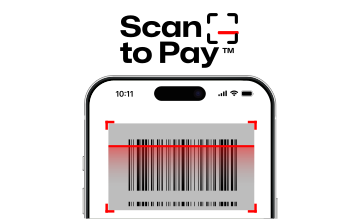
Recipients follow their link and add the card to Apple Pay or Google Pay in a few taps. Then they tap to pay in store or pay online.
- No app to download
- Works with Apple Pay and Google Pay
- Ready to spend in seconds

Secure by design
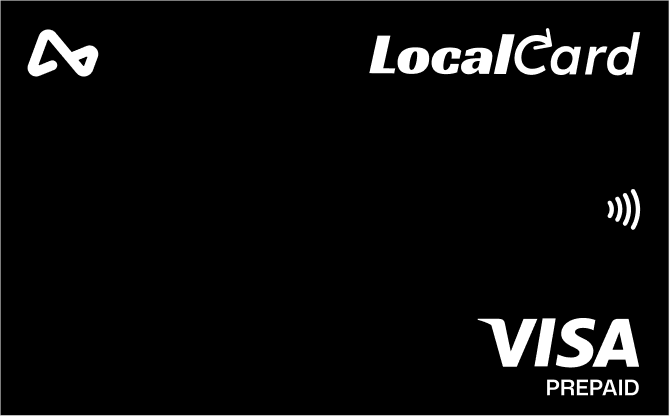
Every card runs on the Visa network, with controls you set and security built in from day one.
Cards only work at merchants in the categories you allow. Everywhere else, they’re declined.
Card numbers are never shared with merchants. Each payment uses a secure token.
Visa’s fraud monitoring and zero liability protections on every transaction.
Freeze, cancel or change a card’s rules instantly from your dashboard.
See every transaction as it happens, with exports for your records.
Other card types

Start issuing today
Create an account, set your rules and send your first cards in minutes.
Planning something bigger?
Talk to us about volumes, custom rules and integrations for your program.